Strata

Theme settings

Understand the global design and behavior settings in Strata.

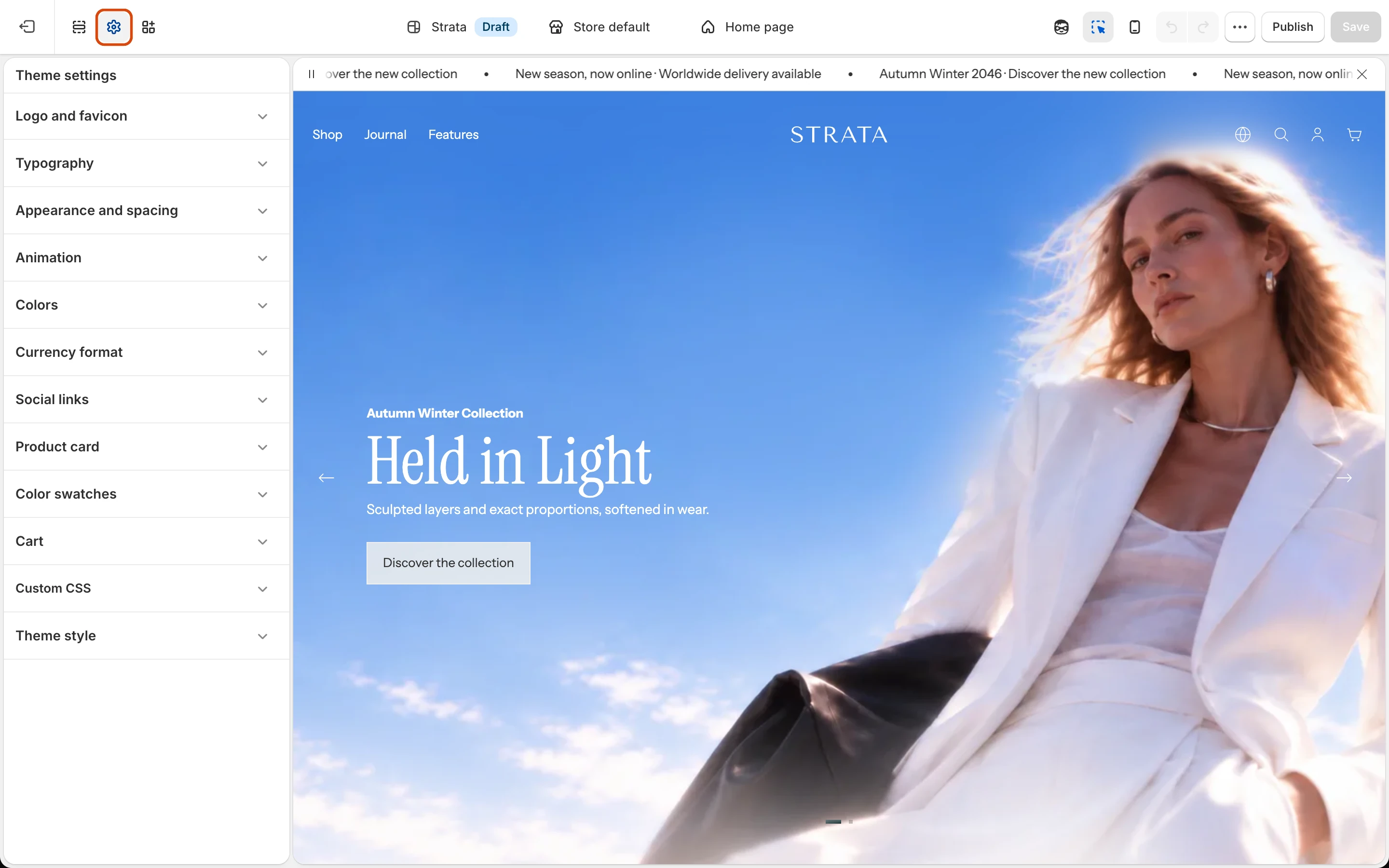
Theme settings define the shared visual and behavioral foundation of a Strata storefront. In Shopify’s Theme Editor, open Theme settings to change values that should remain consistent across templates.

What belongs here

  • Colors and surfaces
  • Typography
  • Layout and spacing
  • Buttons and links
  • Animation and media reveal
  • Background blur
  • Product cards
  • Cart, search, and overlays
  • Social links and favicon

Work safely

  • Preview global changes on more than one template before saving.
  • Check both light and dark media where header or overlay colors can change.
  • Test desktop and mobile layouts after changing type scale or spacing.
  • Keep contrast, keyboard focus, and reduced-motion preferences usable.

The setting-by-setting reference will be added only after labels and behavior are confirmed in the released theme.

Search documentation

Search across the Strata guide